No memoization
No React Compiler or manual memoization.
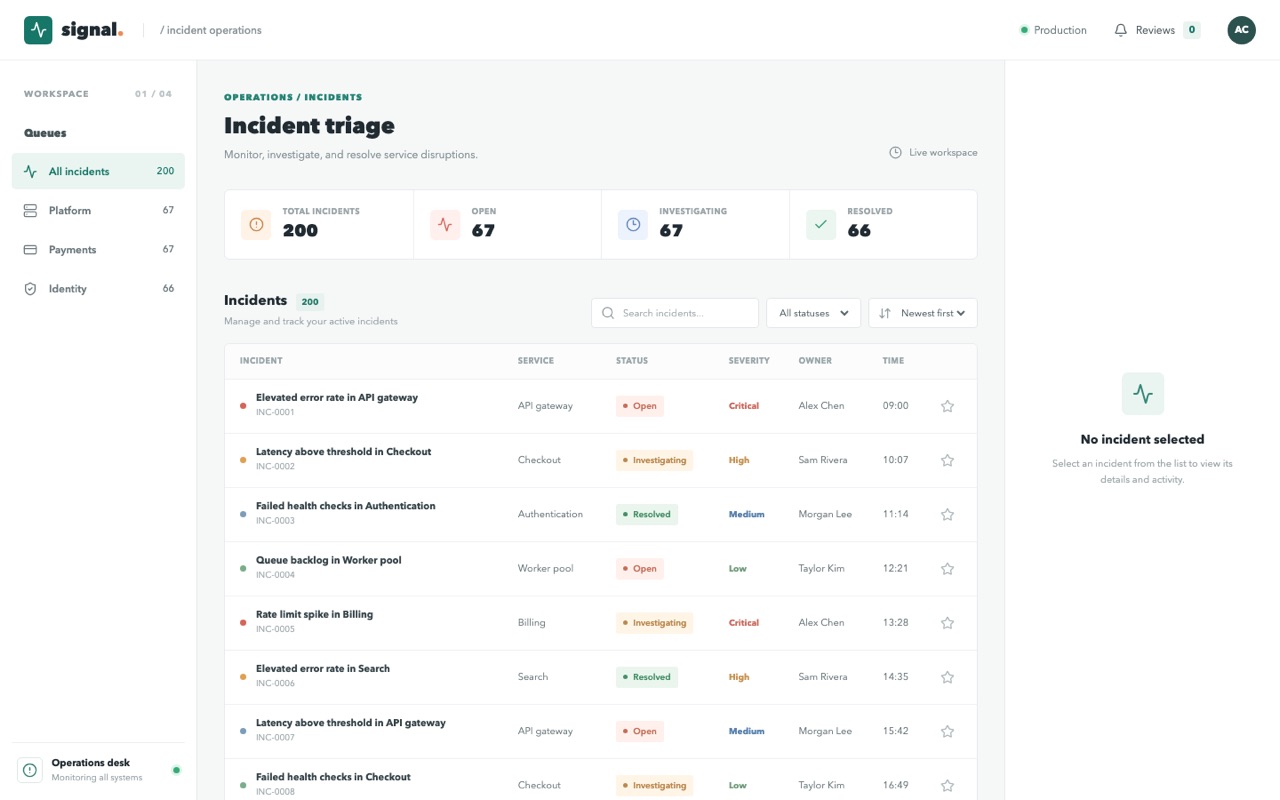
A like-for-like comparison of compiler-managed memoization and hand-written React.memo, useMemo, and useCallback, with an unmemoized baseline. Review the measurements and explore each build to decide where to invest.
No React Compiler or manual memoization.
React.memo, useMemo, and useCallback applied by hand.
Compiler-managed memoization, with no manual memoization.
Open a profiling build to use the built-in React Scan toolbar. Inspect components or pause render highlighting without installing a browser extension.
For a recording, install the React DevTools browser extension and open its Profiler tab. Start recording, select or favorite an incident, then stop recording.
These are production builds with profiling enabled, not development builds. React Scan and profiling add overhead: use them for diagnosis, not the published bundle-size or latency comparison. Highlights alone do not prove a component needs memoization. The normal app links above remain uninstrumented.
Without the extension, our callback records are available in the browser console as
window.__benchmark.records, including actualDuration and
baseDuration. Use window.__benchmark.clear() between recordings
to discard accumulated samples. Nothing is uploaded.